We are adding a powerful new way to build. We are introducing the
AI-powered WordPress Page Builder—an option that lets you fast-track your workflow by generating high-quality Landing Pages
.Where to Find It
You can access the new tool by navigating to:
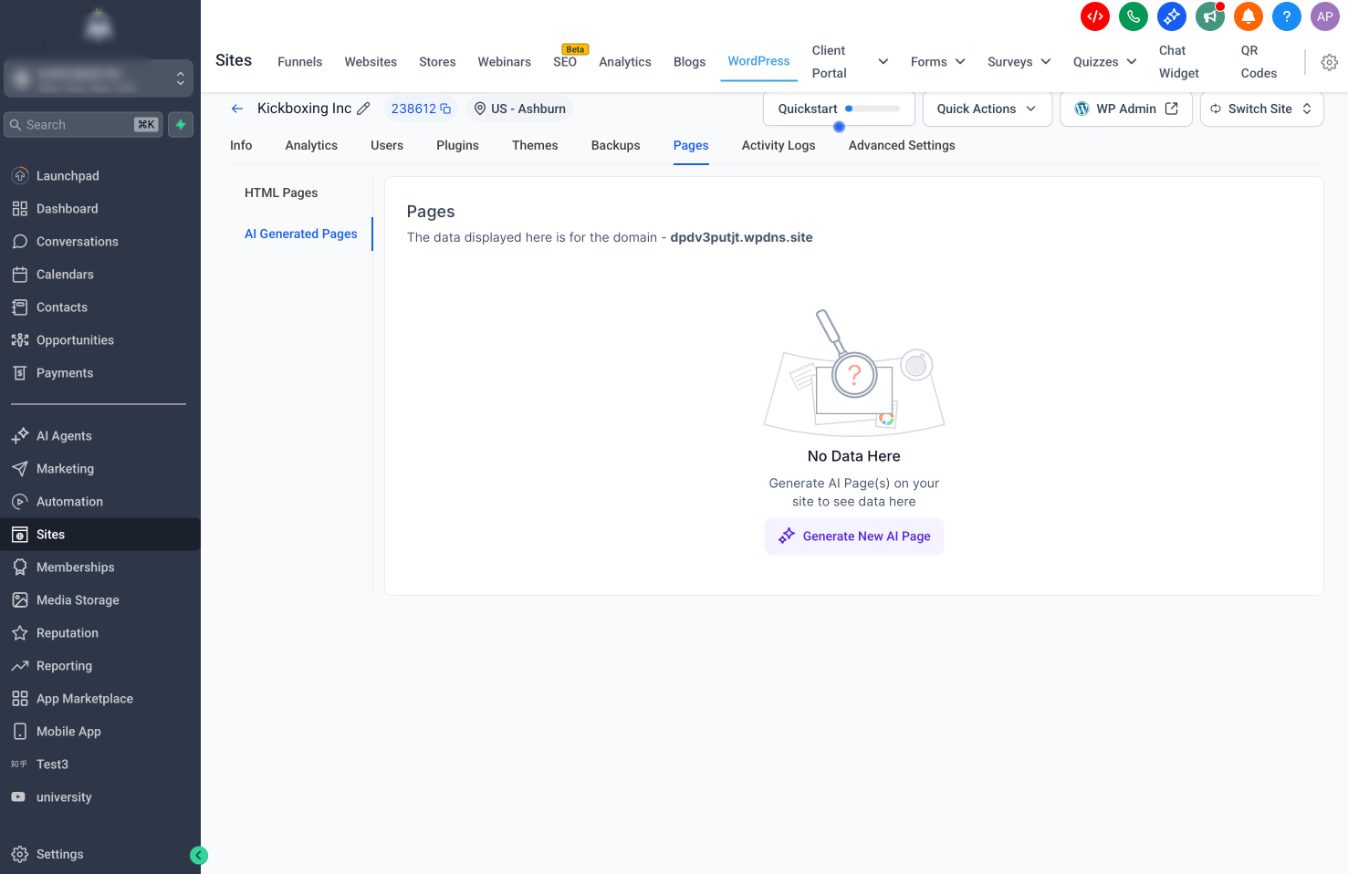
WordPress > All Sites > Manage Website > Pages > AI Generated Pages
How It Works
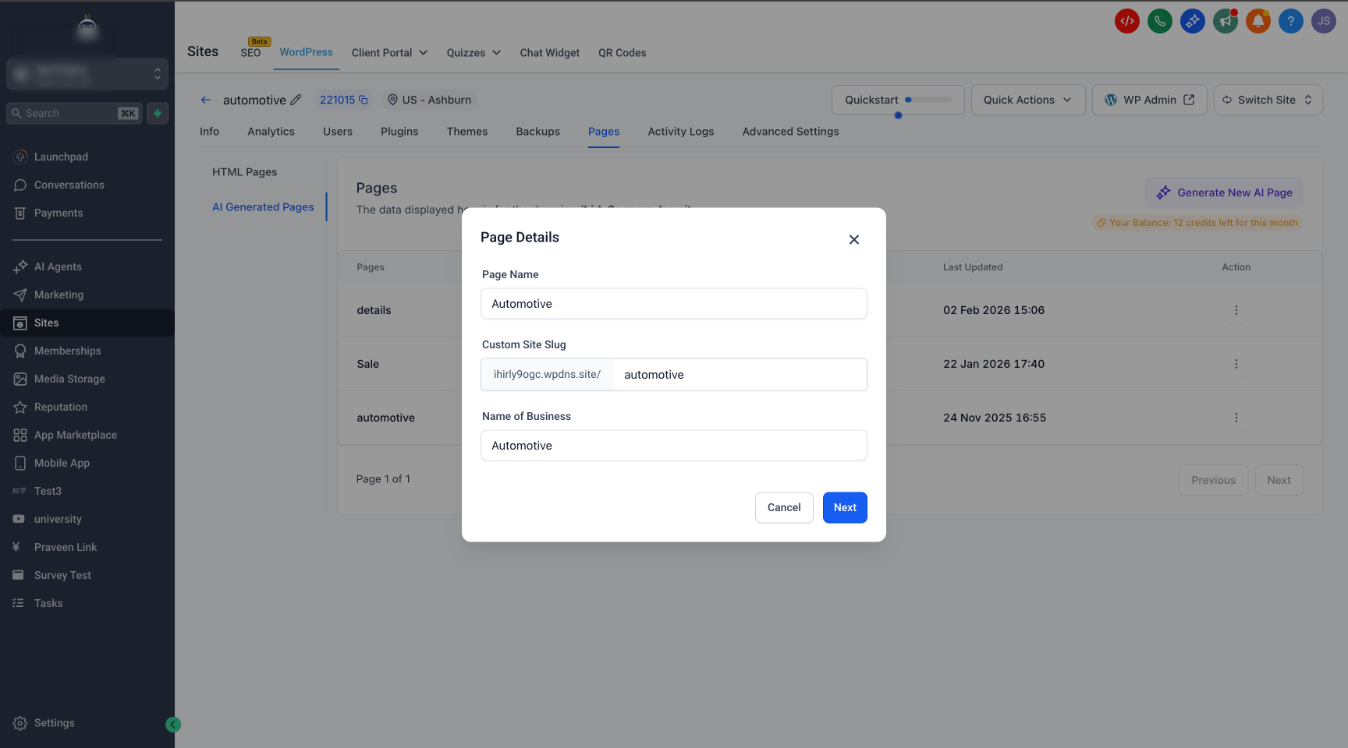
When creating a new page, you can now choose "Generate with AI" for a guided experience:
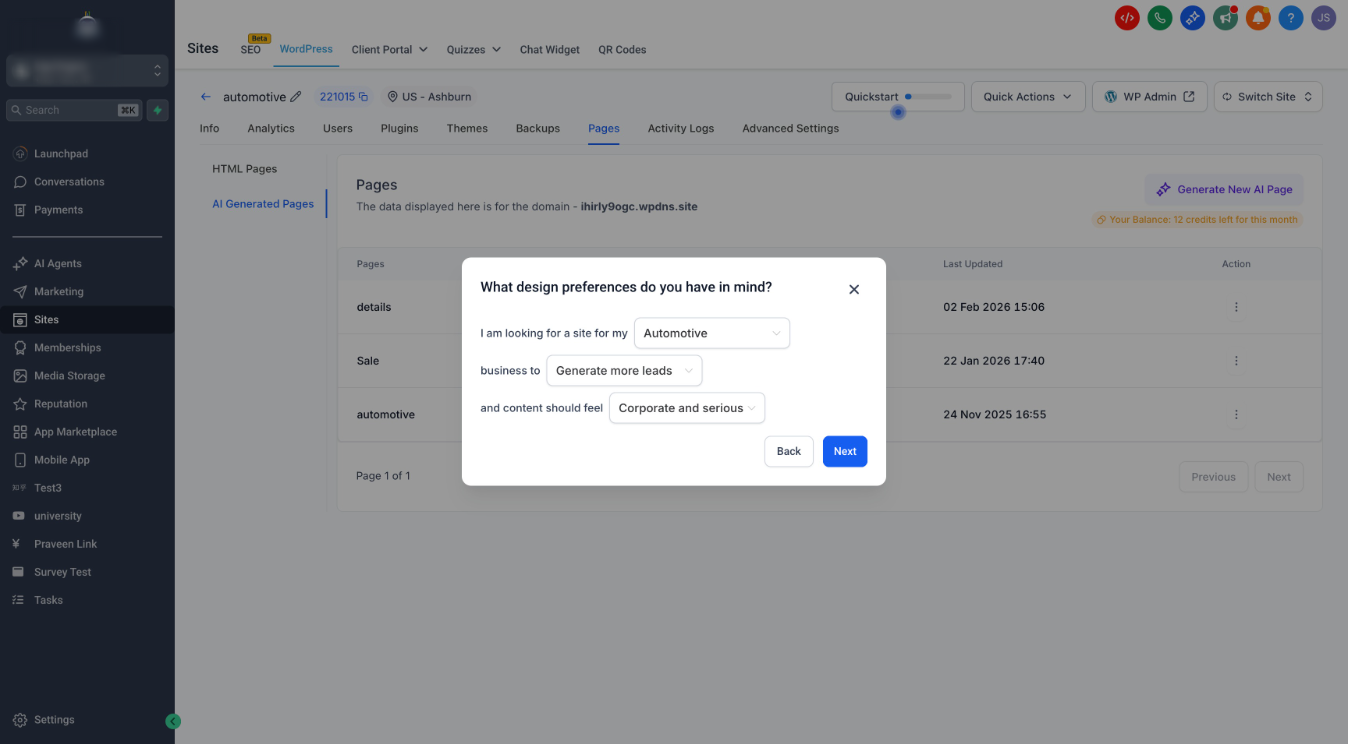
- Define Your Vision: Select your business niche (e.g., Retail Store), business goal (e.g., Sell products), and desired vibe (e.g., Luxurious) to give the AI direction.
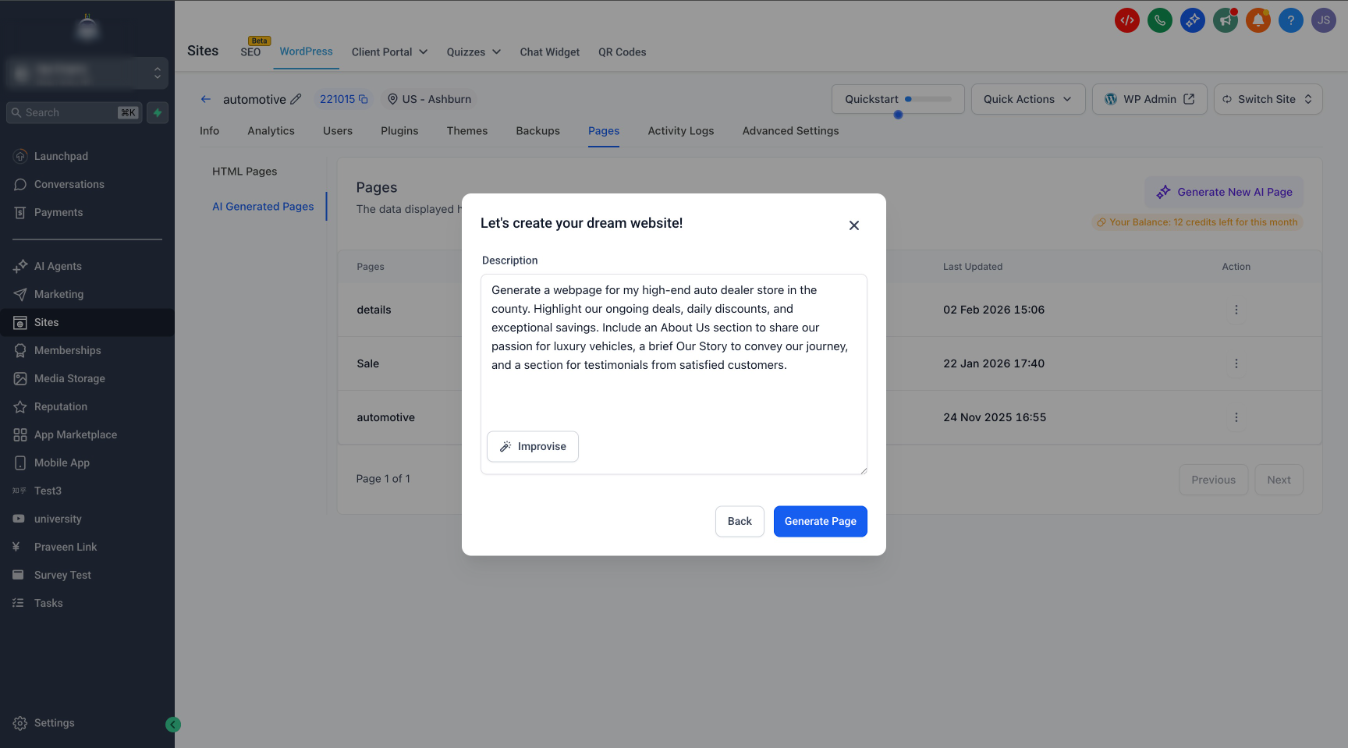
- Smart Prompting: Describe what you need in plain English. If you're stuck, hit the Improvise button to let our AI optimize your prompt for better results.
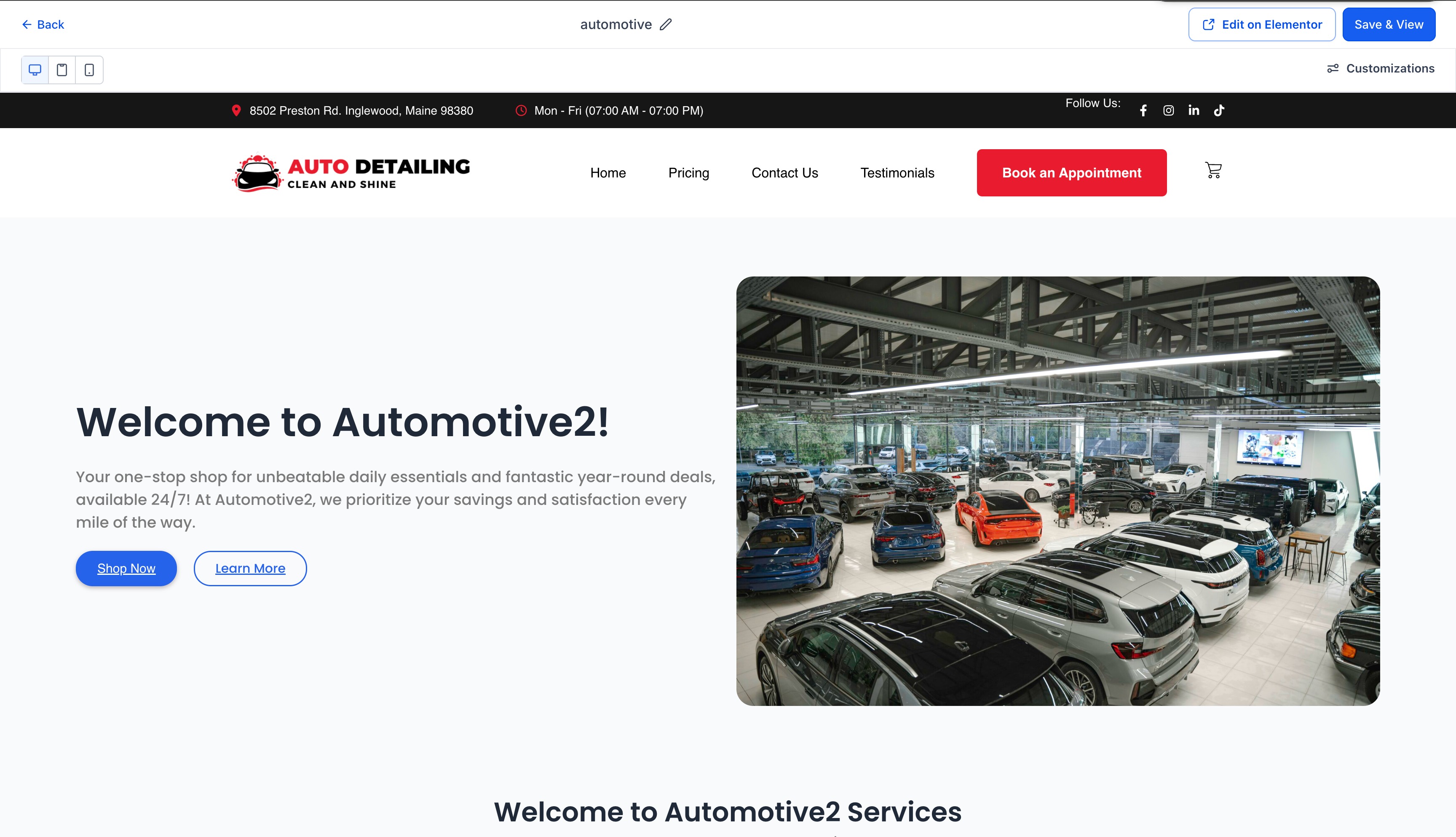
- AI-Generated Foundation: The AI instantly builds a complete page structure for you, populating it with relevant copy and imagery based on your prompt.
- Fully Editable: The result is not static—it renders as a standard Elementor page, allowing you to jump right in and customize every detail using the builder you already know.
?
Key Features & Customization
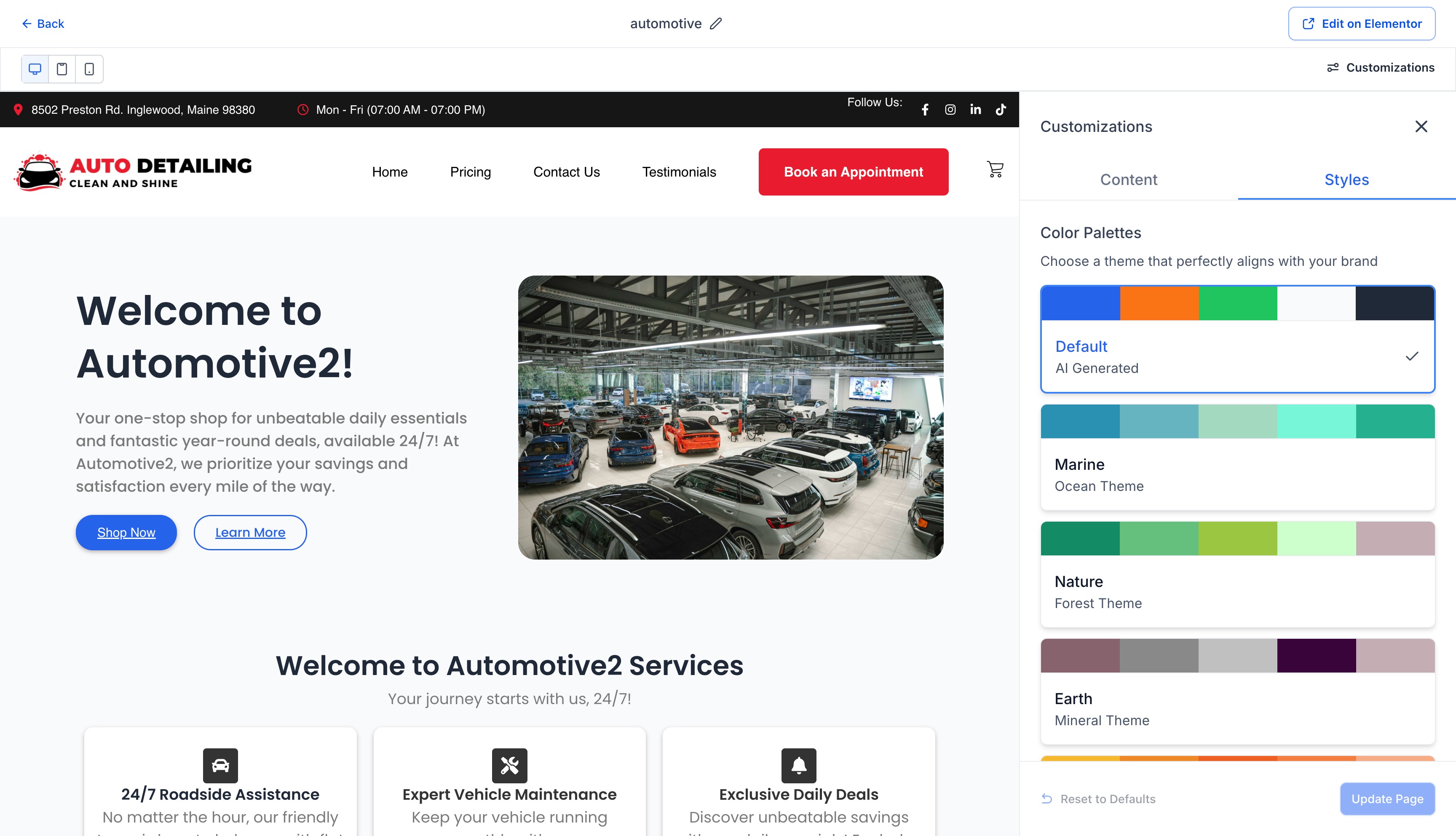
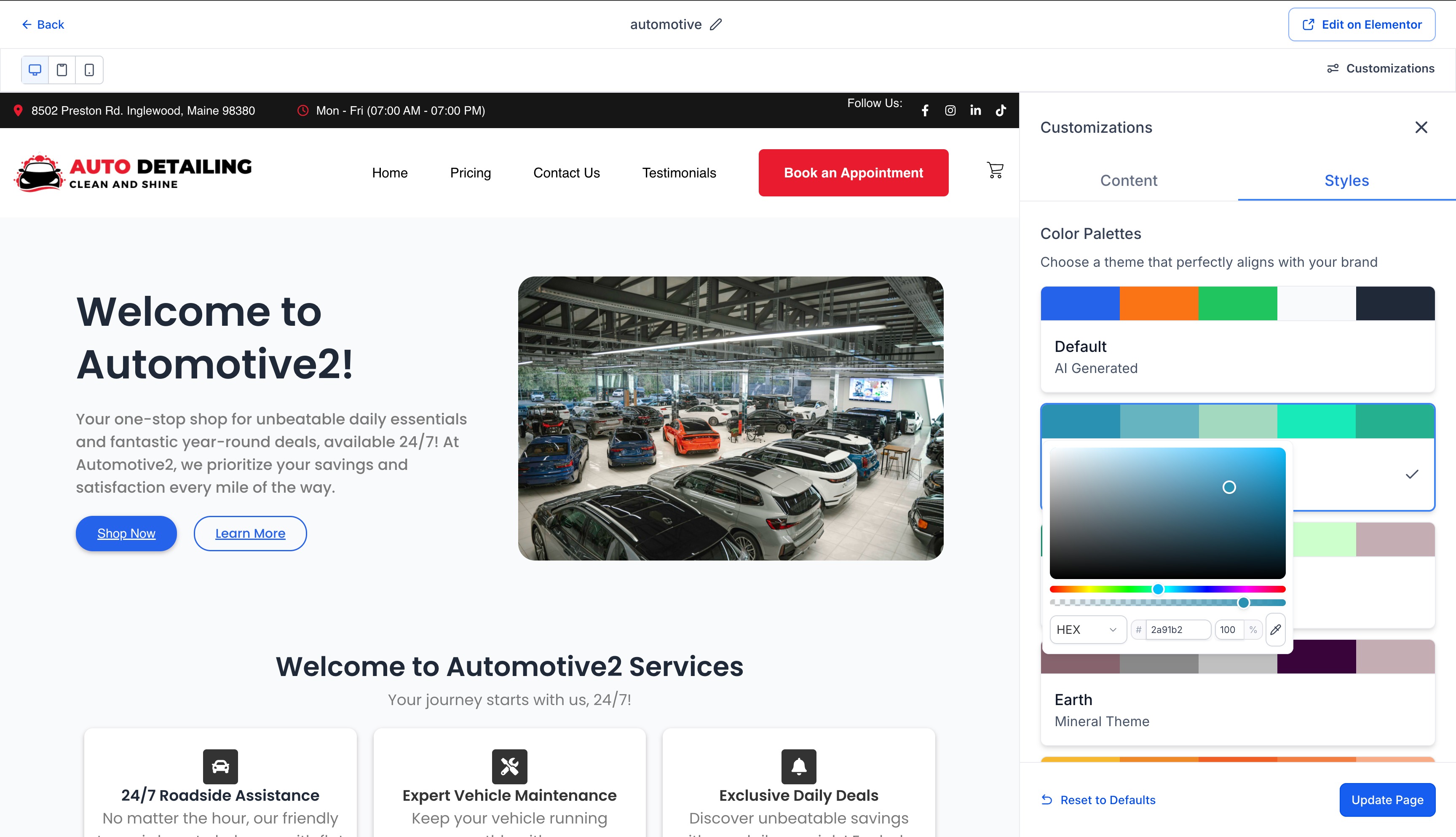
- Instant Re-Styling: Not feeling the colors? Instantly switch between curated Color Palettes like Marine, Nature, or Earth.
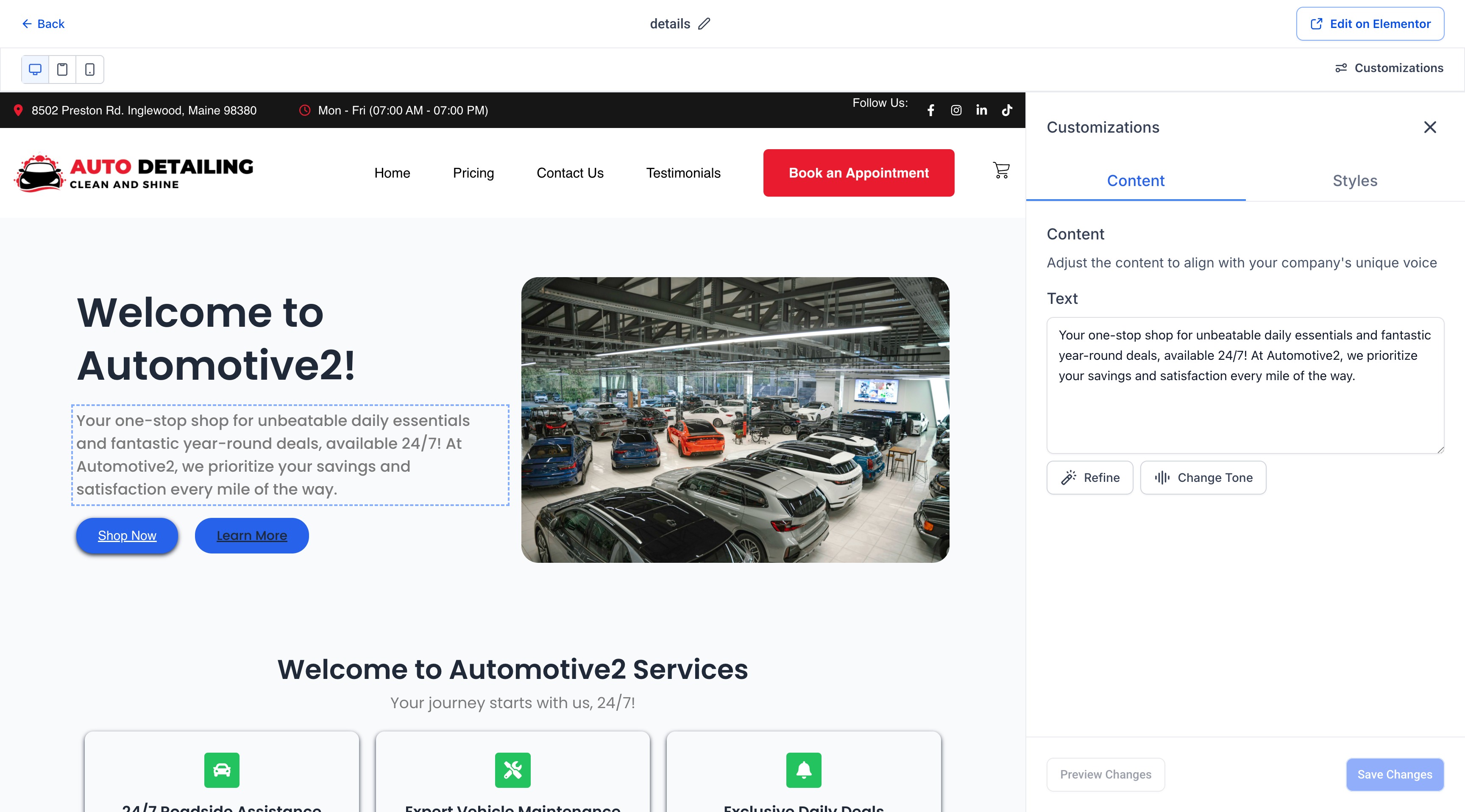
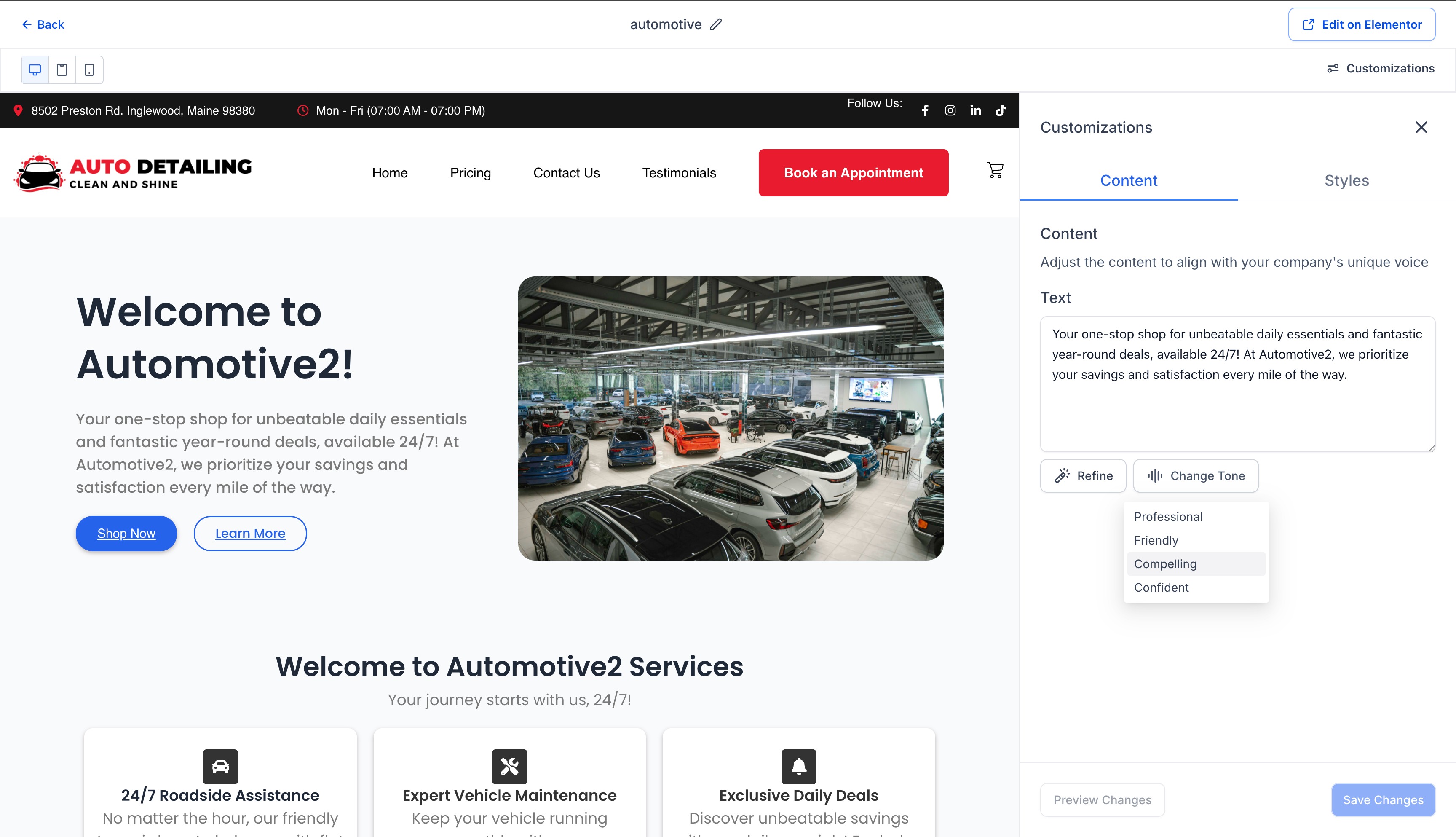
- Tone Adjustment: Control your brand voice with a click. Switch your copy to be Professional, Friendly, Compelling, or Confident directly in the editor.
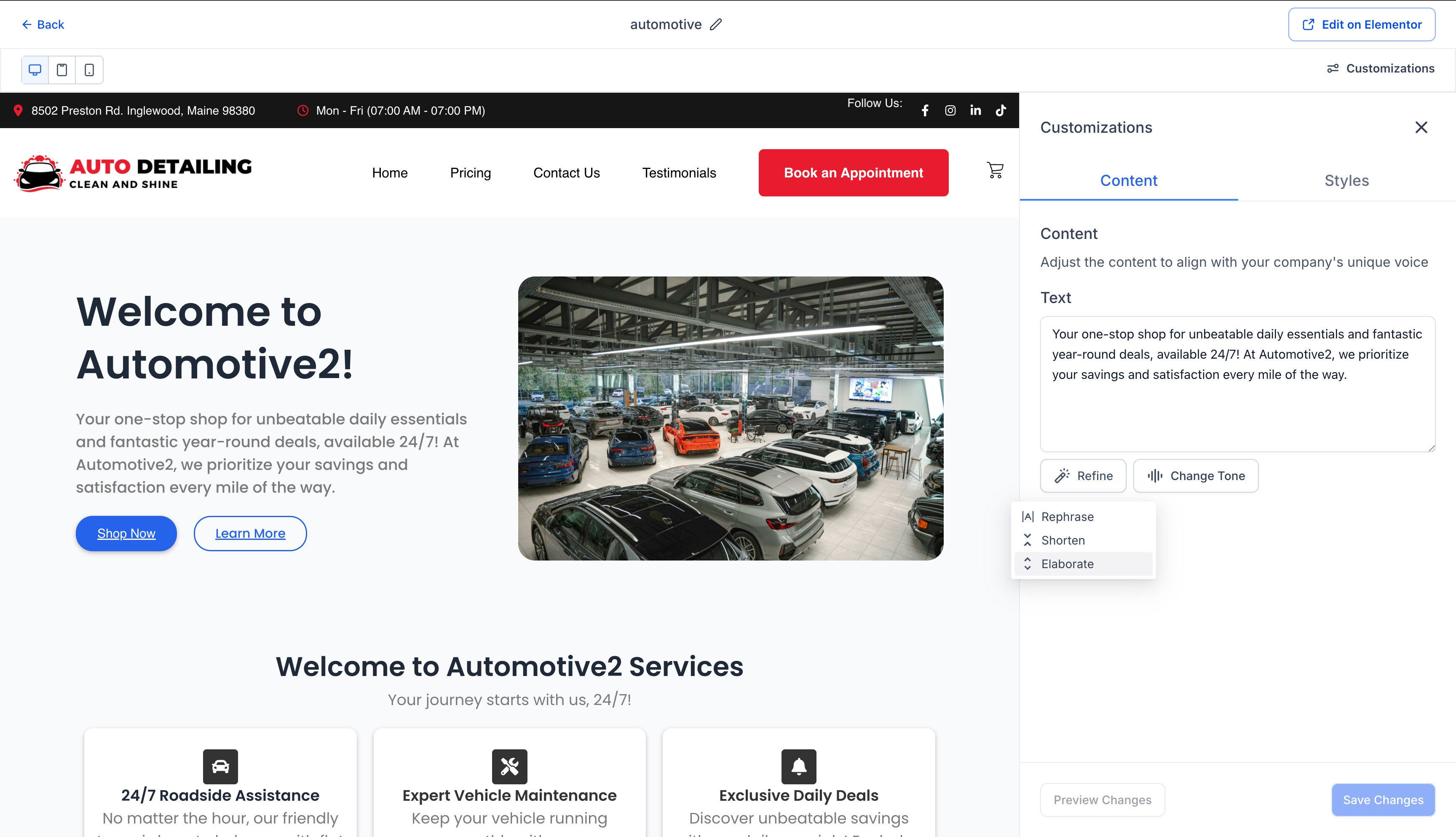
- Content Refinement: Use the built-in AI tools to "Refine," "Shorten," or "Elaborate" on specific text blocks.
Credits & Usage
- Monthly AI Credits: We are including 12 AI page generation credits per site per month for every user to explore this new workflow.
- Transparent Usage: You can easily track your remaining balance directly on the dashboard (e.g., "Your Balance: 11 credits left").
Note: This feature is currently in early access via Labs. It can be enabled via
accounts by following these steps:
- Navigate to Settings > Labs and open the Accounts tab.
- Search for 'WordPress | AI Driven Content Generation' and click Activate Feature.
- Select the accounts you wish to grant access to.
- Turn the 'Visibility' toggle on: Turn this on to allow accounts to see and enable the feature within their own Labs section.
- Turn the 'Enable' toggle on: Turn this on to activate the feature immediately for the selected accounts.
- Click Save.
Unlock the speed of AI generation without sacrificing the full design control you love.
Was this article helpful?
That’s Great!
Thank you for your feedback
Sorry! We couldn't be helpful
Thank you for your feedback
Feedback sent
We appreciate your effort and will try to fix the article